Trainer first. Three other directions.
The shortlist. Choose the missing job before choosing another app. Trainer is our first recommendation for general iPhone strength training; the other options solve different needs. This order is editorial preference, not a measured performance or popularity ranking.
 Trainer
 Liftin’
Configurable success and failure rules for lifters who want explicit load changes.
Explore Liftin’ alternatives Boostcamp
A wider program library if choosing another written routine is the priority.
Explore Boostcamp alternatives StrengthLog
Strength and bodybuilding program options with a published free logging core.
Explore StrengthLog alternatives
What should change when you leave StrongLifts?
The reason to leave a defined barbell program should usually be about fit, not novelty. Perhaps you no longer have a rack, you need a different training schedule, or you want a routine that gives accessories a larger role. Those are concrete requirements. A different app is less useful if you simply reproduce the same program with more manual work.
StrongLifts publishes multiple programs, including 5×5 and Madcow, and documents progression after successful sets, repeats, and deloads. Avoid reducing the product to a single static spreadsheet. Compare which rules you need the app to handle automatically and which you are comfortable checking yourself in an editable routine.
Why consider Trainer?
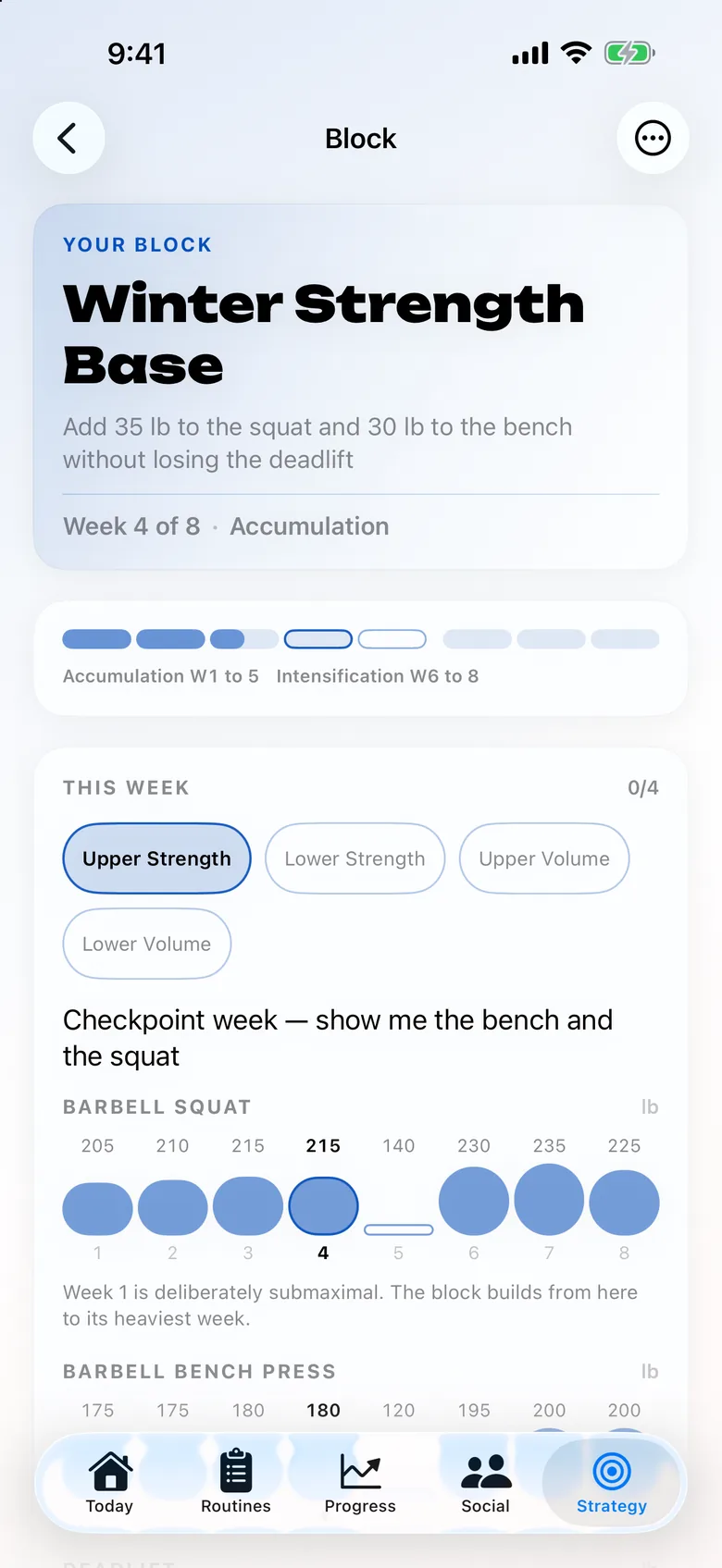
Trainer can build a starter plan from your experience, available days, goals, and equipment. Saved or library programs may retain their own schedules, so inspect the selected plan rather than assuming every named routine automatically conforms to onboarding preferences. Routines and next-set targets remain editable.
That flexibility is useful when your week no longer matches a narrow program. It does not mean Trainer automatically reproduces every StrongLifts progression, plateau rule, percentage calculation, or deload. Core logging, history-based next-weight suggestions, and programs are free; optional AI features have separate access rules. Trainer’s Watch workflow starts with iPhone setup and syncing before running already-synced routines without a nearby phone.
The facts, side by side.
Source inventory recorded October 14–15, 2026. Each field links its official source. Unknown means unconfirmed, not absent.
| Feature | Trainer |  StrongLifts |
|---|---|---|
| Price | Free core tracking; optional Trainer Pro subscription Source | check current pricing Unconfirmed Source |
| Platforms | iPhone, iPad and Apple Watch Source | iOS, Android Source |
| Apple Watch | Already-synced routines, weight/reps and rest controls; initial setup and sync require iPhone Source | Apple Watch support listed Source |
| AI / progression | Editable history-based targets; AI plan generation, improvements and coaching Source | Success-based increases, repeats, and deloads Source |
| Programs | Equipment-aware programs, templates and editable routines Source | 5×5, Madcow, and other StrongLifts programs Source |
| Free tier | Logging, next-weight suggestions, saved/library programs and recorded workout history Source | Free download; ongoing tier limits need checking Unconfirmed Source |
When StrongLifts is still the better fit
Stay with StrongLifts if you want its program family and have the equipment to follow it. Automatic handling of the intended progression can be more valuable than a large menu of alternative exercises. Its published phone and Watch support is also relevant if that is already a comfortable setup.
Before switching because of a stall, inspect the actual training issue. Changing the logging app does not establish that a plateau will resolve. If a program includes specific responses to missed reps, keep those instructions intact while you decide whether the program itself still fits. The choice of software and the choice of training method are related, but they are not the same decision.
The useful test: a gym change that removes your barbell rack
Imagine moving from a full gym to a small room with dumbbells and a bench. Your first job is to choose a suitable plan for that equipment. Replacing the name of a barbell lift with a dumbbell movement does not make the load records or progression rules equivalent. Keep the new movement’s record distinct and review its starting target.
Compare whether the replacement helps you build a repeatable week using what you have. If you actually intend to continue the same barbell program elsewhere, preserve its rules instead. The useful distinction is between adapting the program to a different training situation and merely changing the place where you record it. Make that choice before copying numbers into a new app.
Before you move your routine
- Save your current program version, last completed session, working loads, and stall or deload state.
- Choose whether you are preserving that program or selecting a new equipment-aware plan in Trainer.
- Review starting targets and any manual progression calculations. Do not assume the old program’s rules transferred with its exercise names.
Keep the original archive until you have checked the new record. Exporting data from one product does not establish that another can import its format. Do not delete a useful history simply because your first new session looks right.
Three other options worth understanding
Liftin’
An iPhone and Watch set log with configurable automatic increases and decreases.
Access to check: Website advertises an extended free trial; check terms Source
Boostcamp
A free workout tracker and program library, with automatic progression and additional Pro tools.
Access to check: Core tracker and program library; Pro adds extras Source
StrengthLog
A free strength log and program ecosystem with paid advanced programs and reports.
Access to check: Unlimited logging, basic statistics, custom workouts, and basic programs Source
Compare the ongoing cost of the feature you need
A free download, a trial, and a permanent free core are different offers. For StrongLifts, the checked access record is: Free download; ongoing tier limits need checking Unconfirmed Source
The published price record is: check current pricing Unconfirmed Source Check your platform, region, renewal period, and the actual feature you intend to use at checkout. An unconfirmed price is not treated as zero.
For Trainer: Free core tracking; optional Trainer Pro subscription. Its free core includes logging, next-weight suggestions, saved/library programs and recorded workout history. Optional AI features have their own access rules. Compare permanent free access and trials
Sources, scope, and how this guide was written
Editorial review: . The shared feature inventory was recorded on 2026-10-14; StrengthLog and Apple Fitness+ were added on October 15. Official product pages were revisited for the original alternatives series. Source links in the comparison table identify the support for each field.
Trainer descriptions cover its workout planning, Strong and Hevy history import, published features, and current availability. Training scenarios are illustrative editorial examples. We did not independently test every competing app, measure comparative results, or invent customer stories. Read the full method and correction policy
Frequently asked questions
Is Trainer an automatic copy of StrongLifts 5×5?
No. Trainer offers plans, templates, and editable routines. Check named-program progression, missed-rep handling, and deload rules rather than assuming exact equivalence.
Can I switch apps without changing my program?
Yes, if the new app can represent the routine and you preserve its progression instructions. Some calculations or changes may need manual handling.
Will a different app fix a strength plateau?
That outcome is not established. A replacement can improve planning and record keeping; it cannot guarantee a training result.
Continue with the kind of alternative you need
Keep the comparison tied to your next actual session. A useful replacement should make the training job clearer while preserving the records and guidance you still need.